
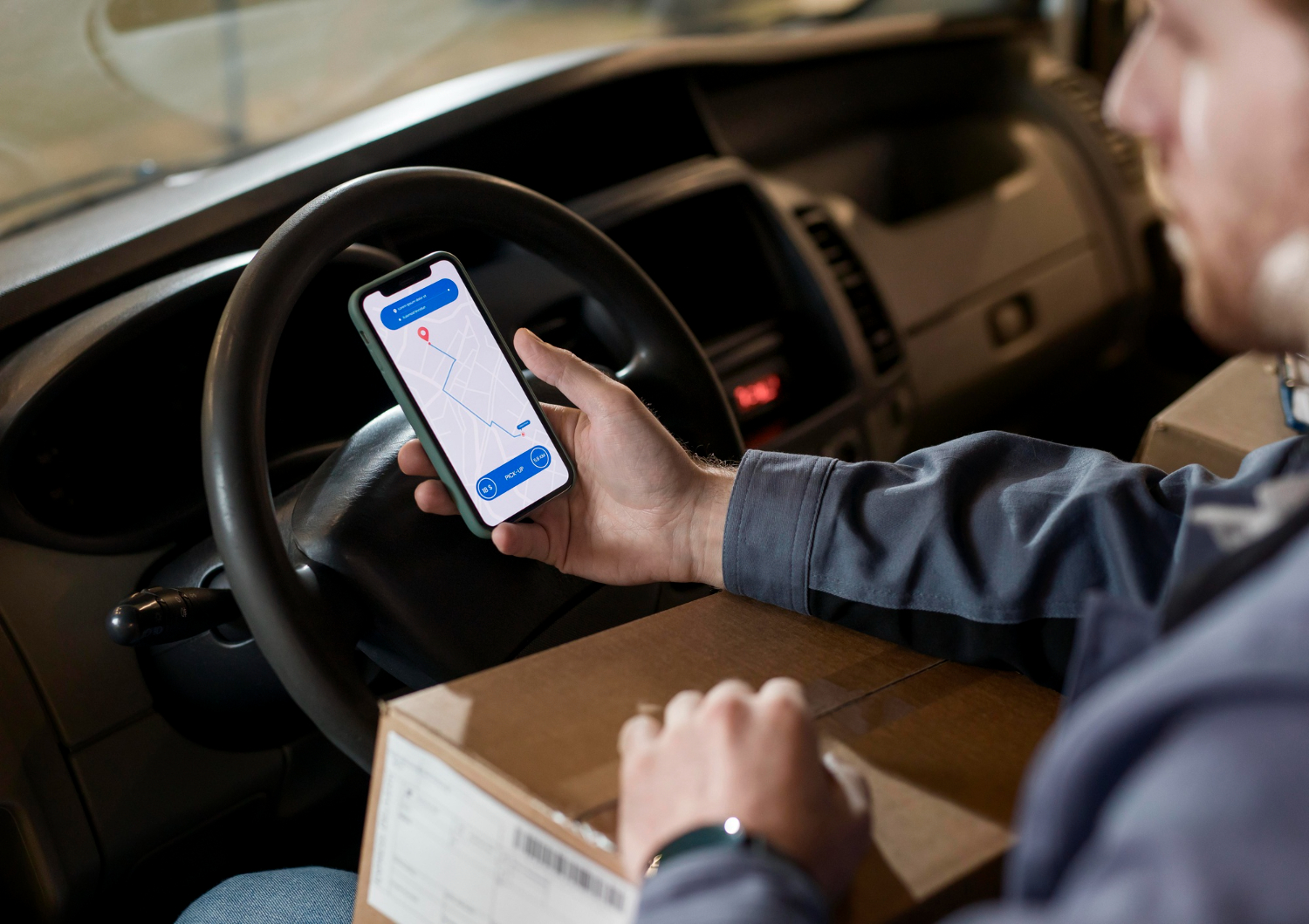
Waiting for an online order can be exciting. But when the parcel does not arrive on time, it can also become stressful. If your shipping email mentions GOFO, you may want to know where your package is, when it may arrive, or why the tracking information has stopped changing.
GOFO, also known as GOFO Express, provides delivery services for online shops and e-commerce companies. It mainly handles the last part of a parcel’s journey, helping packages reach customers after they have travelled through other parts of the shipping network.
GOFO has an online tracking service where customers can enter their tracking number and see the latest available information about their parcel.
This guide explains how GOFO tracking works, where to find your tracking number, what different tracking messages mean, and what you can do when your parcel is delayed or missing. It also covers how to contact GOFO and how to stay safe when using parcel tracking websites.
What Is GOFO Tracking?
GOFO tracking is a service that lets customers check the progress of parcels being delivered through GOFO’s network.
When you place an online order, your parcel may travel through several warehouses, sorting centres and delivery stations before reaching you. Tracking helps you see some of these steps.
For example, you may see that your parcel has left a warehouse, reached a regional centre or arrived at a local delivery station.
GOFO mainly works with last-mile deliveries. This means the company often handles the final part of the delivery, when a parcel moves from a local facility towards the customer’s address.
However, GOFO may not be the only company involved in your shipment. An online shop may send the parcel through one carrier for the first part of its journey and then use GOFO for the final delivery.
Because of this, you may sometimes see more than one tracking number for the same order.
It is also important to know that GOFO tracking is not always a live map. It usually shows shipment events that have been recorded by the delivery network.
So, if there is no new update for a few hours, it does not always mean that your parcel has stopped moving.
How to Track a GOFO Parcel
Checking your GOFO shipment is usually simple if you have the correct tracking number.
Step 1: Go to the official GOFO tracking page
Start with the official GOFO website. Check that you are using the genuine website before entering any tracking details.
This is safer than using an unknown tracking website.
Step 2: Find your tracking number
Look in your shipping email, order confirmation or online shopping account.
The tracking number may be shown next to the carrier name or inside the delivery section of your order.
Step 3: Enter the number
Copy the tracking number and enter it into the tracking box.
Check the number carefully before submitting it. A missing letter or incorrect number can stop the system from finding your parcel.
Step 4: Check the latest update
After entering the number, you should see the latest information available for your shipment.
Look at the newest event, date and location rather than only reading the main status.
For example, a parcel marked as “In Transit” may have recently left a regional centre.
Step 5: Keep your tracking details
Save your tracking number somewhere safe. This makes it easier to check the parcel again later or give the number to customer support if there is a problem.
Where Can You Find Your GOFO Tracking Number?
Your tracking number is needed to check your parcel.
There are several places where you can find it.
Check your email
Look through the email account you used when placing your order.
Search for words such as:
- Tracking
- Shipped
- Delivery
- Order update
- GOFO Express
The email may have been sent by the retailer rather than GOFO.
Check your order account
Log in to the website or app where you bought the item.
Open the order and look for shipping or delivery information. The retailer may show your tracking number there.
Check for a second tracking number
Some parcels change carriers during their journey.
For example, an international carrier may transport the package first, while GOFO handles the final delivery.
This means your order may have an original tracking number and a separate local tracking number.
If one number does not work on the GOFO website, check your order details again.
Do not confuse your order number with your tracking number
These numbers have different purposes.
An order number identifies your purchase with the retailer. A tracking number identifies the parcel with the delivery company.
If you cannot find the correct tracking number, contact the seller and ask for it.
Common GOFO Tracking Messages Explained
Tracking updates can sometimes look confusing. Most of them simply describe what is happening to your parcel.
Here are some common messages and what they usually mean.
Shipping Label Created
This normally means that the shipping information has been added to the system and a label has been prepared.
It does not always mean that GOFO has received the parcel.
The seller may still be preparing the package or waiting for collection.
If the status stays the same, check with the seller to make sure the parcel has been dispatched.
In Transit
“In Transit” usually means that your package is moving through the delivery network.
It may be travelling between warehouses, regional centres or delivery facilities.
You may not see an update every time the parcel moves. Some parts of the journey may happen without a new tracking scan.
Arrived at a Regional Hub
This means that the parcel has reached a regional facility.
Packages are often sorted at these locations before being sent to another part of the delivery network.
This is a normal part of the shipping process. It does not necessarily mean that delivery will happen on the same day.
Arrived at a Delivery Station
A delivery station is normally closer to your final address.
This update suggests that your parcel has moved further through the delivery process.
However, it may still need to be sorted or assigned to a driver before delivery.
Out for Delivery
This usually means that the parcel has been placed on a delivery route or is being prepared for delivery.
It is normally one of the final steps before the package reaches you.
However, delivery is not always completed on the same day. Traffic, access problems, route changes and other issues can cause delays.
Delivered
A “Delivered” status means that the carrier’s system has recorded the parcel as delivered.
If you cannot find the package, check around your home first.
Look at:
- Your front door
- Porch
- Mailbox
- Garage
- Side entrance
- Reception area
- Parcel room
You should also ask family members, neighbours or building staff if they accepted the delivery.
If the parcel is still missing, contact GOFO and the retailer.
Delivery Exception
This means that there was a problem during the normal delivery process.
It could be caused by an address problem, access issue, failed delivery attempt or another operational problem.
Read the full tracking message to see what happened and follow any instructions provided.
Why Has My GOFO Tracking Not Updated?
One of the most common problems is seeing the same tracking message for a long time.
This can be worrying, but it does not always mean that the parcel is lost.
The parcel has not been scanned yet
The seller may create the shipping label before handing the parcel to GOFO.
Until the first scan happens, the tracking page may show very little information.
The parcel is between two facilities
Your package may be travelling from one location to another without receiving a new scan.
Tracking systems only show events that have been recorded.
So, a gap in updates does not always mean that the parcel has stopped moving.
The parcel is changing carriers
Some orders use more than one delivery company.
An international carrier may handle the first part of the journey before GOFO takes over.
During this change, tracking information may take some time to appear.
The tracking system is delayed
Sometimes a shipment update may take time to appear online.
Try checking the official tracking page again later instead of refreshing it every few minutes.
There is a real delivery delay
Busy periods, bad weather, transport problems and other issues can slow down deliveries.
If there has been no useful update for several working days, contact the retailer or GOFO.
Tell them the last tracking message, the date of that update and your expected delivery date.
How Long Does GOFO Take to Deliver?
There is no single delivery time for every GOFO parcel.
The delivery period can depend on:
- Where the parcel started
- Where it is being delivered
- The seller’s handling time
- The shipping service
- The number of carriers involved
- Delays within the delivery network
A parcel that has reached your local delivery station may be close to delivery, but this does not guarantee that it will arrive within a few hours.
The delivery estimate provided by the retailer is usually the best starting point.
You should also remember that estimated delivery dates can change.
Weekends, public holidays, busy shopping periods, bad weather and transport problems can all affect delivery times.
If your parcel has passed its estimated delivery date, check the latest tracking event.
If there has been no meaningful update, contact the seller and ask for help.
What If GOFO Says My Parcel Was Delivered but I Cannot Find It?
A delivery notification can be confusing when the package is nowhere to be found.
Before reporting the parcel as missing, check a few places.
Check around your home
Look at your front door, porch, garage, mailbox and other places where drivers may leave parcels.
Ask other people
Someone in your home may have accepted the package.
If you live in an apartment or shared building, ask reception, security or building management.
A neighbour may also have accepted it for you.
Check the tracking information
Open your GOFO tracking page and look at the latest delivery event.
If delivery details or proof of delivery are available, check them carefully.
Contact GOFO
If you still cannot find the package, contact GOFO support.
Give them your tracking number and explain that the parcel is marked as delivered but has not been received.
Ask if they can provide more information about where the parcel was left.
Contact the retailer too
Tell the seller that the tracking system shows the parcel as delivered but you do not have it.
Ask what steps you need to take to report the missing delivery.
Keep your order confirmation, tracking details and messages with customer support.
How to Contact GOFO Support
You may need to contact GOFO if your tracking information is unclear or your parcel has a delivery problem.
GOFO has listed the following contact details for customer and delivery support:
Phone: +1 (949) 688-6032
Email: [email protected]
WhatsApp: +1 (787) 469-5811
The published phone support hours are 9:00 am to 9:00 pm Eastern Time, Monday to Friday, and 11:00 am to 7:00 pm Eastern Time at weekends.
Support times and contact details can change, so check the official GOFO website before contacting the company.
When contacting support, provide useful information such as:
- Your tracking number
- Your latest tracking status
- The date of the last update
- Your expected delivery date
- A short explanation of the problem
For example, you could say that your parcel has shown “Out for Delivery” since yesterday or that it says “Delivered” but you cannot find it.
Never give your password, bank PIN or one-time security code to someone claiming to be a delivery agent.
Is GOFO Tracking Safe and Genuine?
If you have never used GOFO before, you may wonder whether the company is genuine.
Seeing GOFO mentioned in your shipping information does not automatically mean there is a problem with your order.
GOFO provides last-mile delivery services for e-commerce businesses and has its own tracking system.
The safest way to check your parcel is to start with the tracking information provided by the retailer.
Be careful with messages that ask you to pay a small fee before your parcel can be delivered.
Scammers sometimes pretend to be delivery companies and send fake messages asking people to click a link or enter card details.
If you receive an unexpected payment request, do not click the link straight away.
Instead, visit the retailer’s official website and check your order. You can also use the official carrier website to confirm the delivery information.
GOFO Tracking vs Other Tracking Websites
You may find several parcel tracking websites when searching for your order.
Some are operated by delivery companies, while others collect tracking information from several carriers.
The official GOFO tracking page should normally be your first choice when GOFO is handling your parcel.
It gives you information from GOFO’s own delivery system.
Third-party tracking websites can still be useful. They may help when a parcel has been handled by more than one carrier.
For example, an international order may have one tracking number for its first journey and another number for local delivery.
A multi-carrier website may show both parts of the journey in one place.
However, third-party websites may not always receive every update. Their information can sometimes be delayed or incomplete.
For this reason, use them as an extra source rather than your main source.
For delivery problems, rely mainly on the retailer and official carrier information.
Simple Tips for Tracking Your GOFO Parcel
A few simple habits can make tracking much easier.
Keep your tracking number
Save the tracking number with your order confirmation. This will make it easier to check your parcel later.
Do not refresh the page constantly
Tracking information does not change every few minutes.
Give the system some time to record a new event before checking again.
Look at the date and time
Do not only read the main status.
Check when the latest event happened and where it was recorded.
This can help you understand whether the parcel is moving normally.
Check your address
Make sure your delivery address is correct.
An incorrect house number, postcode or flat number can cause delivery problems.
Turn on delivery notifications
If the retailer or carrier offers email or phone alerts, use them.
These notifications can tell you when there is a new delivery update.
Keep proof of important information
If something goes wrong, save screenshots of your tracking page, order details and support messages.
These records may help if you need to report a missing parcel or request a refund or replacement.
GOFO Tracking FAQs
How can I track my GOFO parcel?
Go to the official GOFO tracking page and enter your tracking number. You can then view the latest available status and shipment events.
Why is my GOFO tracking number not working?
The parcel may not have been scanned yet. You may also have entered the number incorrectly, or the shipment may still be registered with another carrier.
Check the number with the retailer and try again later.
What does “Out for Delivery” mean?
It normally means that your parcel has been assigned to a delivery route or is being taken towards your address.
It does not always guarantee delivery on the same day.
What should I do if GOFO says my parcel was delivered?
First, check around your property and ask household members or building staff.
If you still cannot find it, contact GOFO and the retailer and ask them to investigate.
Can I track several GOFO parcels?
GOFO’s tracking system has supported multiple tracking numbers. Check the current official tracking page to see what options are available.
How can I report a delayed parcel?
You can contact GOFO support using the current contact details shown on its official website. You can also contact the retailer and ask them to check the shipment.
Does GOFO tracking show the driver’s live location?
Usually, no. Parcel tracking normally shows recorded delivery events rather than the driver’s exact live location.
Is GOFO the same company as the online shop?
No. GOFO provides delivery services, while the retailer sells the product and manages your order.
If there is a problem, you may need to contact both companies.
Final Thoughts on GOFO Tracking
GOFO tracking gives you a simple way to follow a parcel and see how far it has moved through the delivery network.
The first thing you need is the correct tracking number. Once you have it, use the official GOFO tracking page to check the latest information.
Remember that tracking updates do not always appear straight away. A parcel can continue moving even when the tracking page has not changed.
If your parcel is delayed, check the latest event and give the system some time to update. If the delay continues, contact the retailer or GOFO for help.
If the parcel is marked as delivered but you cannot find it, check around your property first and then contact both the carrier and seller.
Most importantly, use official websites and contact details when checking your delivery. Be careful with unexpected messages asking for payments or private information.
With the right tracking number and a little patience, most GOFO delivery updates are easy to understand and manage.